
To manage your customers' systems, you will first need to create an account in the Catalyst Cloud dashboard and agree to the terms and conditions.
Sign-up form
- Open the Catalyst Cloud account sign-up page at https://catalystcloud.nz/wesco-signup/
- Enter your name and email address to create an account for your organisation
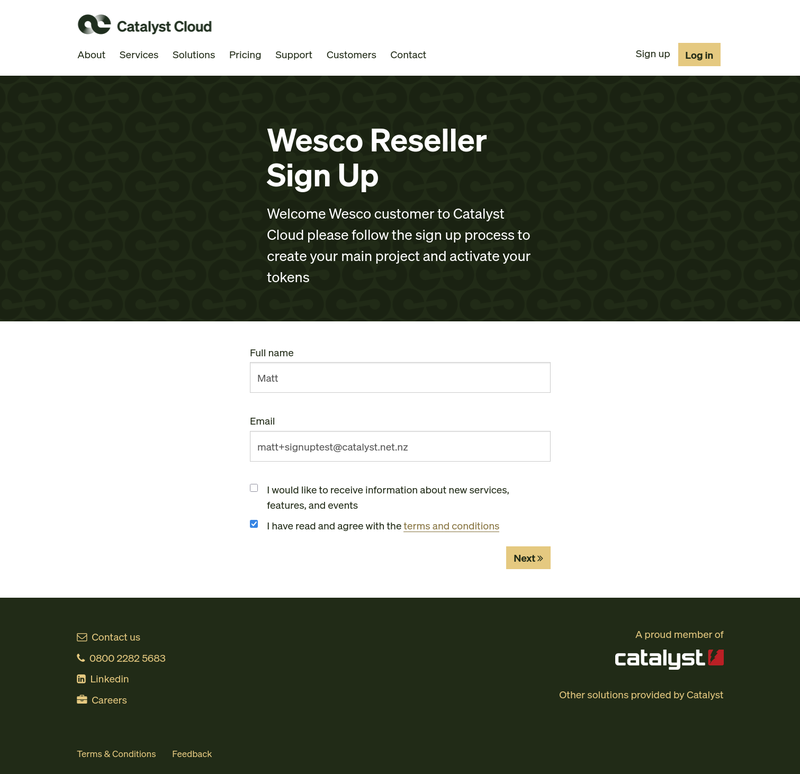
Click Next to continue with account creation.
Enter your account details
Enter the details of your organisation on the Account Details form

In the field for Discount code for any additional bonuses or offers, enter the token that you received by email and the name of your customer's organisation.
For example, if you have purchased an access management system for Southland Dairy, enter:
Southland Dairy WT52-QYTT-JT8J-RD15
Click Submit to proceed with the form.
Enter your payment details
Enter your organisation billing details on the Payment Details form
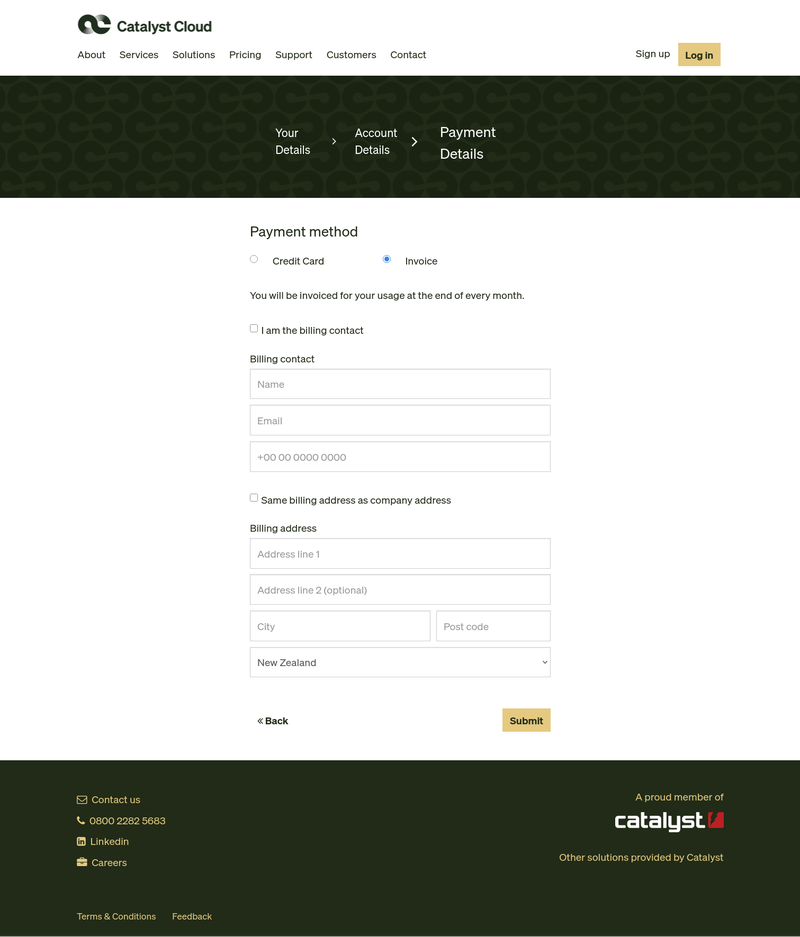
You can enter new details on this form to send invoices to your accounting contact, or receive them at the same email address as you have provided for this account sign-up.
Click Submit to complete the sign-up process.
Confirmation
You will see a confirmation screen showing the details that you entered. You will receive an email when your account has been created and will then be able to set a password and access the Catalyst Cloud Dashboard.
