
In order to use a purchased service, you will need to submit a support request through the Catalyst Cloud Dashboard.
Create a support ticket
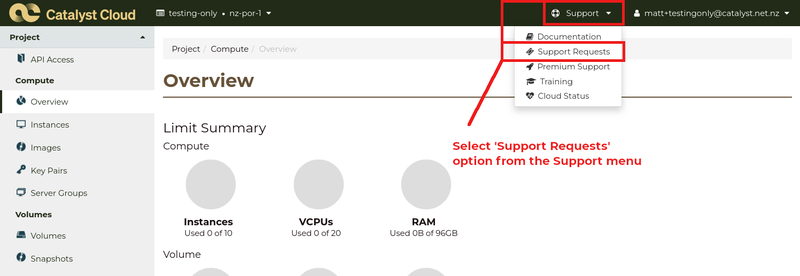
Click the Support menu on the top bar of the Dashboard.
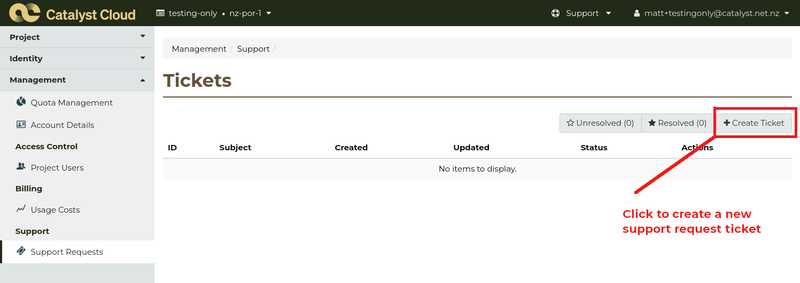
On the Tickets support screen, click on +Create Ticket to create a new support ticket
On the Create a Ticket form:

Enter details of your support request:
- Subject: Setup request
- Service: Prepaid token
- Problem Category: Apply prepaid token
And enter the token that you received and details of the customer to apply it to in the Description.
If the customer project already exists, put in the name of the customer and the existing project name that the token should apply to. Otherwise, provide the customer name. If you provide a project name for a new customer, it may be modified to fit with the project naming rules.
Click Create Ticket to create your support request.